Shank and presser foot attachment: which feet fit your machine
Low or high shank, snap-on or screw-on feet, the Bernina attachment, stitch width: the three checks to make before buying a presser foot, with what the manufacturers say.
You've found the invisible zipper foot, or the quilting one, and the listing says "universal." Will it fit your machine? That depends on three things: how the foot attaches, how wide your machine's stitch is, and sometimes what hook it has. None of the three can be guessed from a photo.
Bar, holder, foot: the terms
Above the needle runs a metal bar, the presser bar: it's what raises and lowers the foot. On most domestic machines the foot doesn't screw directly onto the bar. A holder, also called the shank, is fixed to the bar with a screw, and the foot clips or screws onto the holder.
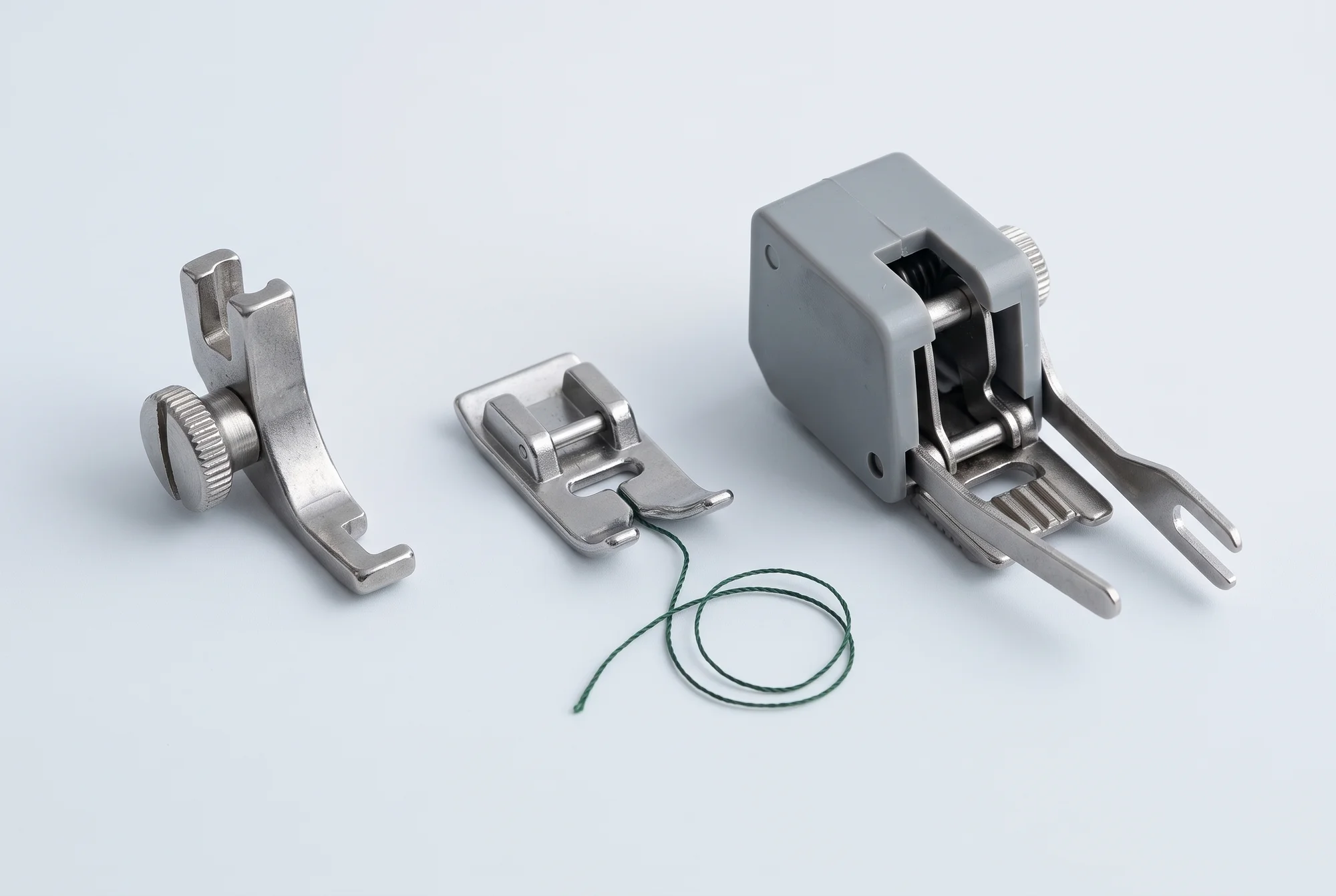
A Janome manual describes both actions. The holder comes off by unscrewing the screw and goes back on by lining up its hole with the bar's threaded hole. The foot, on the other hand, comes off by pressing a button on the back of the holder, and goes back on by setting its pin under the holder's groove and lowering the lever: the foot snaps into place. This is the snap-on attachment, which Singer, Janome and Baby Lock call "Snap-On" and Elna "Clip-on." PFAFF describes it the same way: the foot's pins clip onto the holder when you lower the lever.
When shank height matters
Here's the first thing to know, and Janome puts it in one line: shank height only matters if the foot attaches directly to the bar. A snap-on foot clips onto the holder, and the holder is already the right one for your machine.
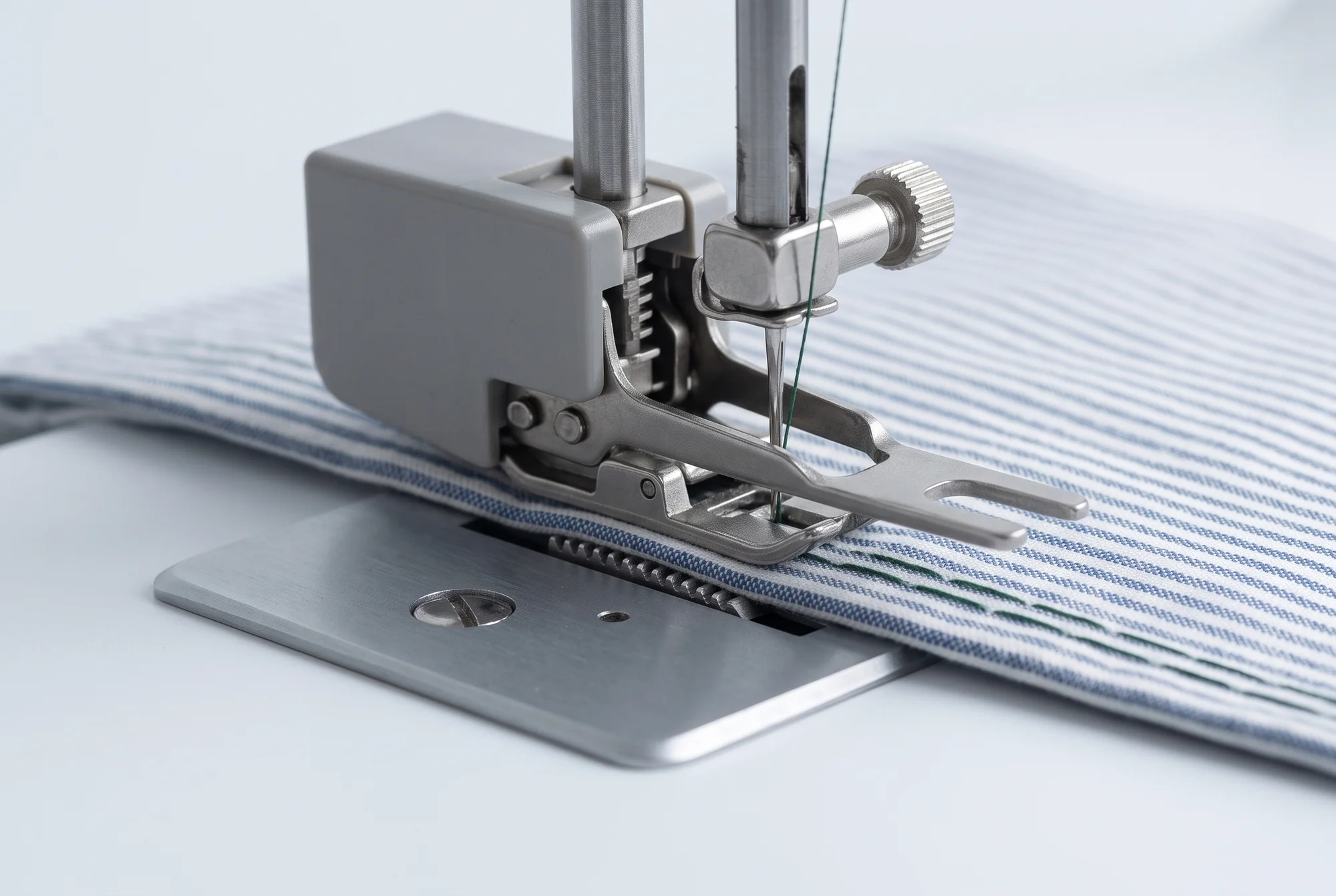
Which feet mount directly on the bar? In the manual of another Janome machine, for instance, the walking foot and the darning foot: you remove the holder and screw them on in its place. These are exactly the feet people most often buy separately.
Janome distinguishes two heights, low shank and high shank, and adds that all its machines with AcuFeed dual feed are high shank, along with some that don't have AcuFeed. We couldn't find the millimetre measurements for the two shanks, which circulate online, in any manufacturer source, so we don't report them here. There's also talk of a slant shank, on older Singer machines with a slanted needle: we found no description of it from Singer, so we stop here too.
The Bernina attachment
Bernina does things its own way. The manual for one of its recent machines describes changing the foot like this: raise the locking lever, remove the foot, slide the new one upward onto the tapered pin, and lower the lever again. It's a proprietary attachment: other brands' feet don't fit it as they are.
Bernina adds a letter to the foot's number, and its blog WeAllSew explains what it means: foot no. 1 is for machines with a maximum stitch width of 5.5 mm, 1C for 9 mm machines, 1D for machines with Dual Feed. The manual for one of its 9 mm machines has, in the accessory box, a slot for 5.5 mm feet and one for 9 mm feet: on wide machines you use both.
Stitch width
The second check is the maximum stitch width, meaning how far the needle can swing side to side in a zigzag. Feet are made for a given width: Brother sells its walking foot "for machines with a 7 mm stitch width," Bernina distinguishes 5.5 mm feet from 9 mm feet.
If you can't find the figure, Janome suggests a simple test: set the zigzag to its widest, sew a few centimetres and measure. The three widths it lists are 5, 7 and 9 mm. As of 19 September 2026, of the 58 published sewing machines and combos in our catalogue, 49 state the maximum width: 23 go up to 7 mm, 9 to 5 mm, 8 to 9 mm; the rest have intermediate values (5.5, 6 and 6.5 mm) or lower ones.
The hook and dual feed
Janome puts a third piece of information ahead of the other two: where you insert the bobbin, from above or from the front. It uses this to organise its accessories, and it's explained in the guide on rotary or oscillating hook.
Then there's built-in dual feed, which changes which feet you can use with it engaged: - PFAFF, to work with the IDT, requires feet with the central rear notch; - Bernina wants feet with a D; - Janome ties AcuFeed to the high shank.
The rest is in the guide on fabric feed.
Machines that check the foot
Some computerised machines ask you to specify which foot is fitted. The Bernina manual is explicit: if the selected foot isn't right for the chosen stitch, the machine won't start and shows an error message. It's a safeguard, and it only works if you actually select the foot.
What our catalogue says
Attachment type is one of the figures manufacturers publish least. As of 19 September 2026, 9 of the 46 published sewing machines state it, 8 with snap-on feet and 1 with screw-on feet, and 1 of the 12 combos, snap-on. No spec sheet in the catalogue currently states a high shank or a Bernina attachment. For your machine, the safest source remains the manual, in the chapter on changing the foot.
How to decide
Before buying a foot, in this order:
- Check the foot manufacturer's compatibility list. Brother, for example, lists which models each foot fits. If your machine is on it, you're done.
- Work out how it attaches. Snap-on to the holder, screw-on to the bar, or a proprietary attachment like Bernina's. If the foot screws onto the bar, you'll need the shank height, low or high.
- Check the width. If the foot is made for a narrower width than your machine's, check the manual to see which stitches you can use it with.
- Check the hook, if the manufacturer sorts accessories by hook, as Janome does.
- Look at dual feed. If the machine has it built in, look for feet made for it.
A "universal" foot with no list of compatible models is a gamble: it might work, but nobody guarantees it. To find out which feet you actually need, see the guide on the presser feet you need.
Sources
- Janome, «What Kind of Janome do I have?», accessory guide (PDF) — Source 1
- Janome, instruction manual with a foot holder and snap-on feet (PDF) — Source 2
- Janome, instruction manual with a walking foot and a darning foot (PDF) — Source 3
- SINGER, page for a machine with snap-on feet — Source 4
- Elna, page for a machine with «Clip-on» feet — Source 5
- Baby Lock, spec sheet for a machine with «Snap-On» feet — Source 6
- PFAFF, user manual for the select line (PDF) — Source 7
- BERNINA, user manual for a series 5 machine (PDF) — Source 8
- WeAllSew (BERNINA), universal presser feet and the letters C and D — Source 9
- Brother USA, walking foot for 7 mm machines, with the list of models — Source 10
Three examples from the catalogue
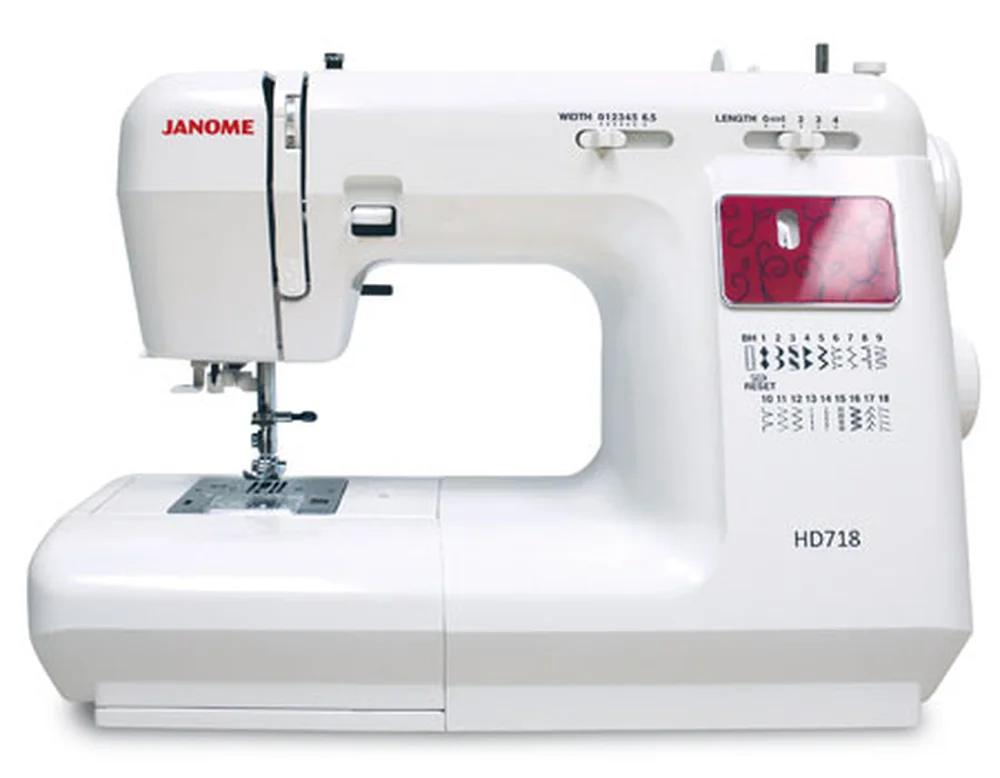
Why it's here Presser foot attachment: Low shank, snap-on · manufacturer's source
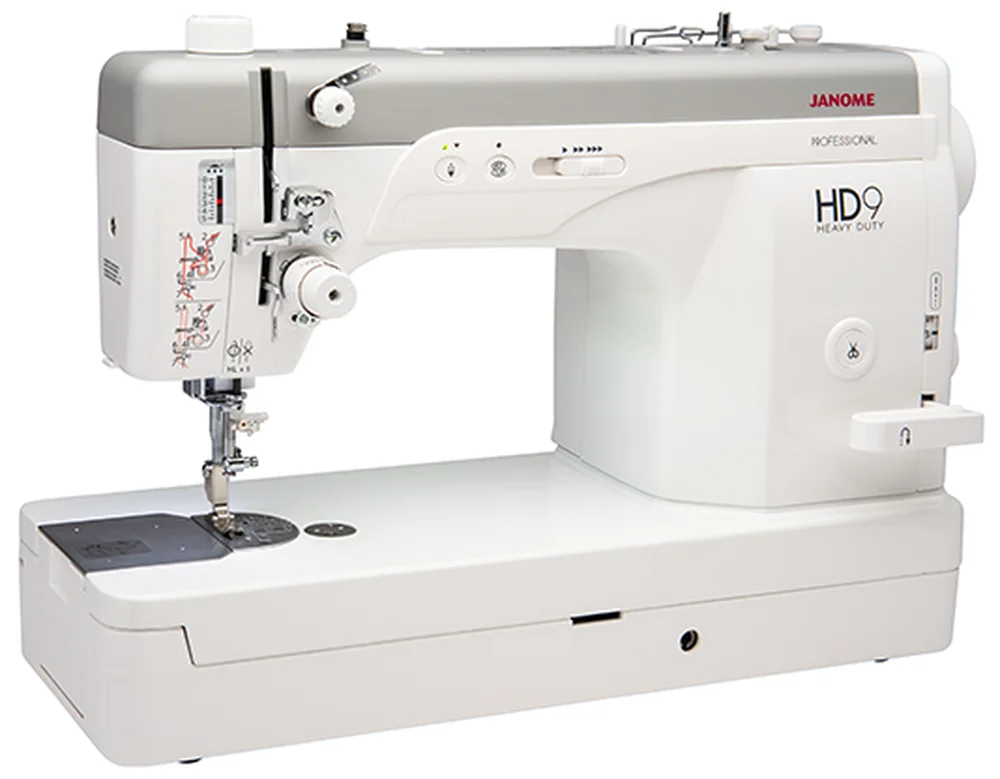
Why it's here Presser foot attachment: Low shank, screw-on · manufacturer's source
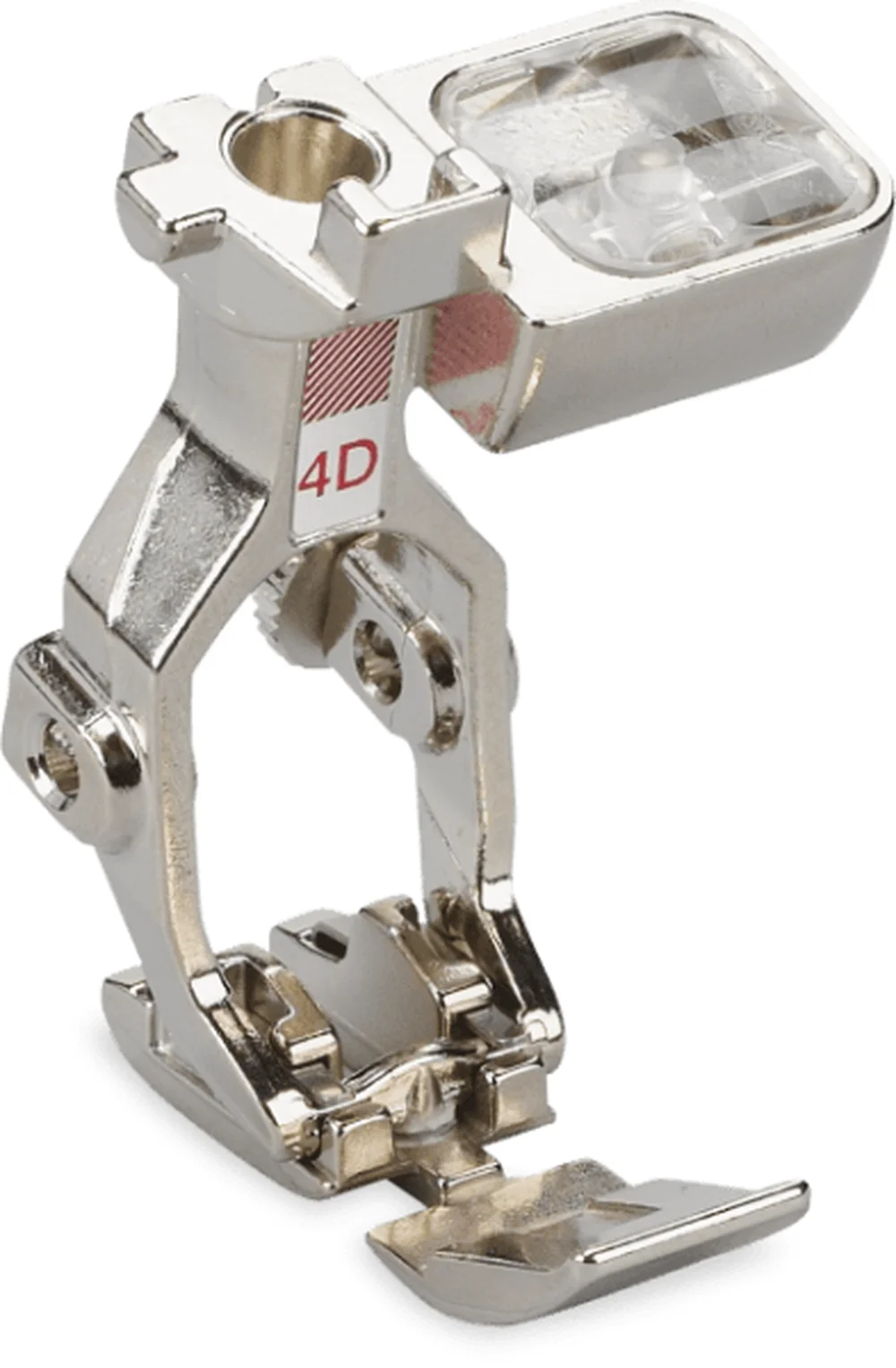
Why it's here Requires upper feed: Bernina Dual Feed · manufacturer's source