How to choose an embroidery machine: hoop, files, single-needle or multi-needle
An embroidery machine comes down to three things: how big the largest design you want to make is, which files it reads, and how those files get to it. Then comes the real question: combo, embroidery-only, or multi-needle.
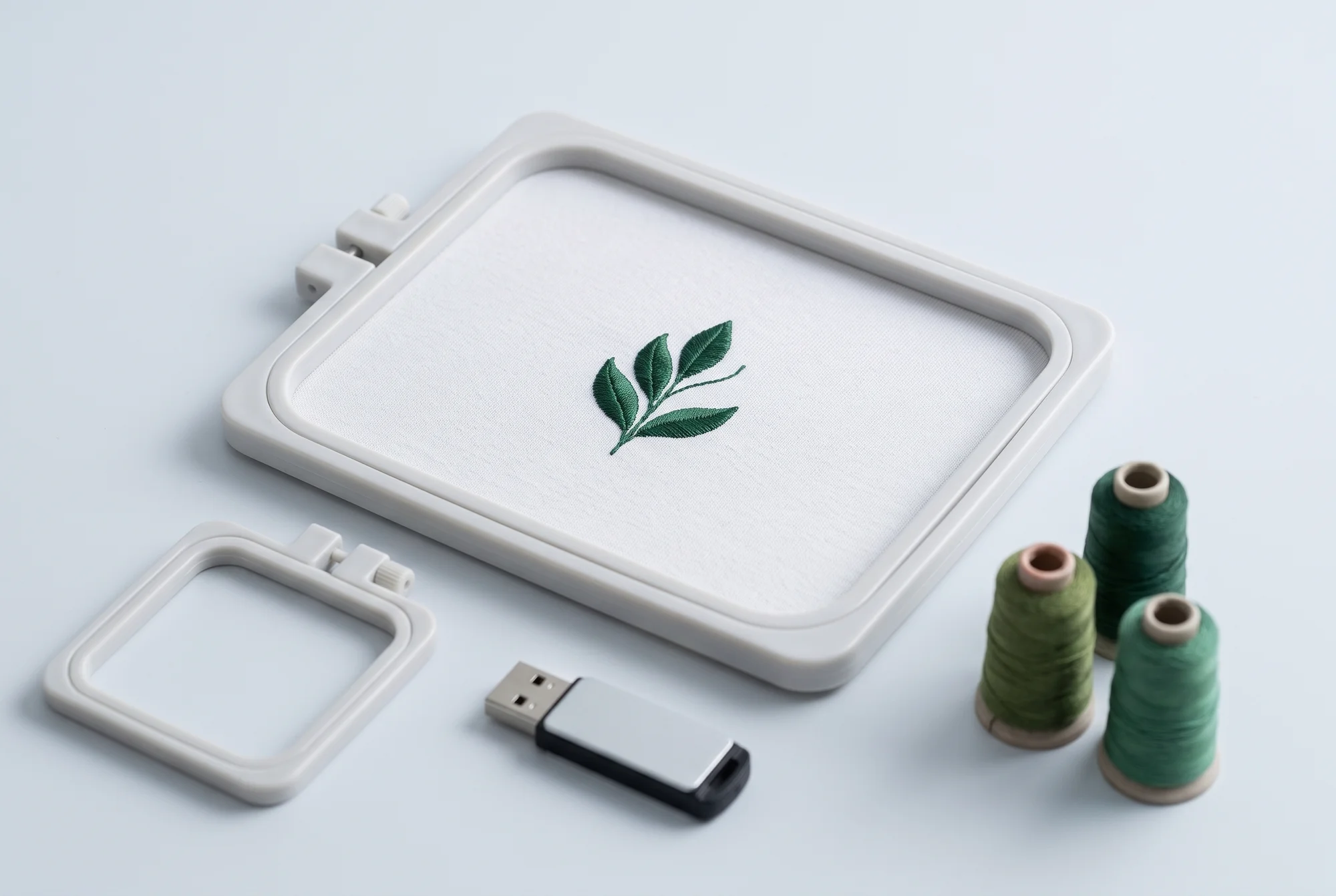
You want to embroider a name on a towel, initials on a shirt, a patch for a backpack. An embroidery machine does it on its own: you stretch the fabric in a hoop, choose the design, and a motorised arm moves the hoop under the needle, stitch by stitch. Choosing one comes down to four questions: how big, which files, how they get to the machine, and what type of machine.
Embroidery area and hoops
The limit of an embroidery machine is its maximum embroidery area: the largest design it can make in one go, without moving the fabric. Manufacturers publish it in millimetres or inches, sometimes with the sides listed in reverse order: that's why SewingSpecs spec sheets state it as long side and short side.
Watch out for the hoop's name: it doesn't match the actual area. Brother sells a hoop called "6" x 10"," and on the same page states its maximum embroidery area as 10.5" x 6.25". Always check the area figure, not the name.
Hoops aren't universal: the attachment to the arm changes from brand to brand and from family to family. Brother publishes, for every hoop, a closed list of the machines it fits, and for one of its hoops recommends a firmware update on some models. Before buying an extra hoop, look for that list: compatible hoops can be found among embroidery hoops.
As of 19 September 2026, of the 24 embroidery machines in the SewingSpecs catalogue, 16 publish the embroidery area: the long side ranges from 100 to 460 mm.
File formats
An embroidery design isn't an image: it's a file that tells the machine where to place every stitch. Every brand has its own format. The mySewnet software guide lists them like this: .pes for Brother, Baby Lock and Bernina; .jef for Janome; .vp3 for Husqvarna Viking and Pfaff; .xxx for Singer; .dst for Tajima.
.dst, created for Tajima industrial machines, is read by many machines across different brands, but it has one limitation: it doesn't contain thread colours. Brother explains that when you open a .dst file, the machine assigns default colours that need to be checked and changed by hand.
Before buying, do this check:
- where you'll get your designs from (free libraries, online shops, design software);
- what format they're in;
- whether the machine you're looking at reads them. For example, Janome's spec sheet for one of its combos lists ".JEF .JEF+, JPX, DST."
Of the 24 embroidery machines in the catalogue, 10 have an official source for their formats. If a spec sheet doesn't list them, that doesn't mean the machine can't read a format: it means the manufacturer doesn't state it on the page we read.
How designs get to the machine
There are three routes:
- a USB stick: you copy the file from your computer and insert it into the machine. Brother's support site walks through the process step by step;
- Wi-Fi, with a manufacturer's program or app that sends the design to the machine. On Brother's multi-needle machines there's also an app for following the embroidery from your phone;
- on some professional machines, a wired (Ethernet) network.
Of the 24 machines in the catalogue, 22 state how they connect: a USB port is the most common (20), Wi-Fi is stated by 11.
Combo or embroidery-only
A sewing and embroidery combo is a sewing machine with an embroidery unit that clips on. Janome describes one of its machines like this: it embroiders when you open the embroidery carriage and sews normally when you close it. The unit can be included in the box or sold separately: you'll find it as a data point on spec sheets ("Embroidery unit"). Of the 12 combos in the catalogue, 9 state it: 7 include it, one has it built into the machine, one sells it separately.
A single-needle embroidery machine, by contrast, only embroiders. It makes sense if you already have a sewing machine you like, or if you'll be embroidering while sewing on another machine.
A combo takes up less space and costs the price of a single machine; a separate embroidery machine lets you sew while it embroiders. Some embroidery machines also have a free arm for embroidering sleeves and trouser legs: Bernina calls it "Freearm Embroidery."
Single-needle or multi-needle
A machine with one needle carries one colour at a time. When the design changes colour, it stops, and you change the thread. Ricoma, a manufacturer that only sells multi-needle machines, puts it this way: one needle can only carry one colour, and the machine has to be rethreaded at every change.
A multi-needle machine has several needles, each threaded with a colour: the machine switches between them on its own. Tajima even calls the needles "colours" ("Color Heads"). Ricoma adds another difference: the slim, protruding arm of multi-needle machines lets you slip on things that don't lie flat (caps, bags, sleeves), while single-needle machines have a flat bed the item has to lie on. Caps need a dedicated hoop: Brother states "Cap Frame Capability."
Of the 5 multi-needle machines in the catalogue, the number of needles ranges from 8 to 20; for 3 the cap hoop is optional, for 2 it's included.
A multi-needle machine is the choice if you often embroider designs with many colours, or if you do small production runs. For the occasional name, a single-needle machine or a combo is enough.
How to decide
| If you want… | Look at |
|---|---|
| To sew and embroider with a single machine | A combo, with the unit included or available |
| To embroider while sewing on another machine | A single-needle machine |
| Large designs | The long and short side of the embroidery area, not the hoop's name |
| Designs with many colours, caps, small runs | A multi-needle machine, and the cap hoop |
| To use designs you've already bought | Whether the machine reads their format |
Then come the practical checks: who repairs the machine near you, which hoops exist for that machine, which software your designs need. And if the machine also has to sew, all the questions in What do you want to sew? apply.
Sources
- Brother USA, hoop SA441 — Source 1
- Brother USA, PR1055X, specifications — Source 2
- Brother, «Embroidery Data Precautions» (PR1055X) — Source 3
- Brother, «What is DST?» — Source 4
- Brother USA, «Download or transfer designs/fonts from computer to machine using USB media» — Source 5
- mySewnet, «Embroidery File Formats» — Source 6
- Janome UK, Memory Craft 1000 — Source 7
- BERNINA, model comparison (official PDF, 2023) — Source 8
- Tajima, TMBR2-SC — Source 9
- Ricoma, EM-1010 («USB or Ethernet connection») — Source 10
- Ricoma, «Top 5 Reasons Why You Need a Multi-Needle Embroidery Machine», 2021 — Source 11
Three examples from the catalogue
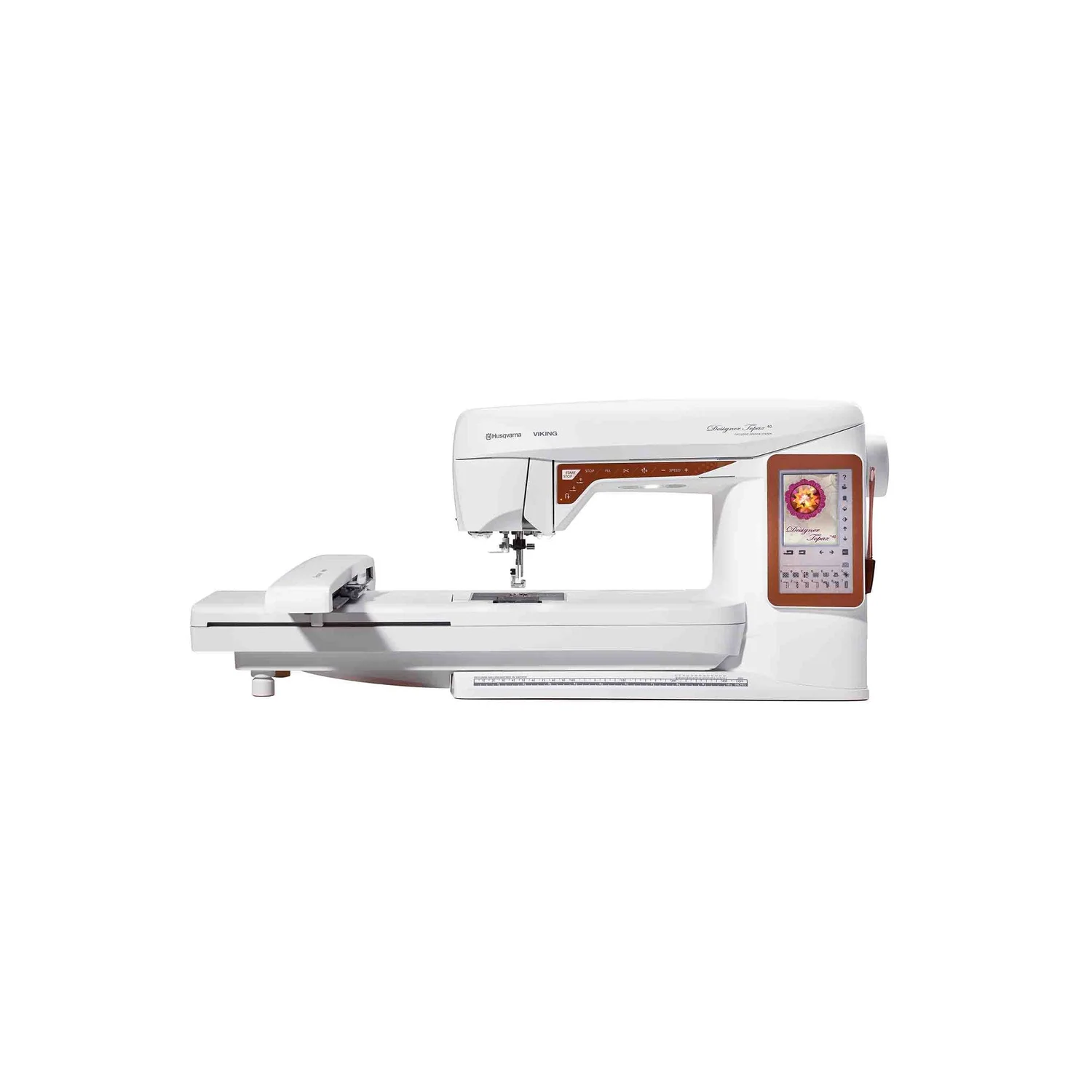
Why it's here Embroidery unit: Included · manufacturer's source
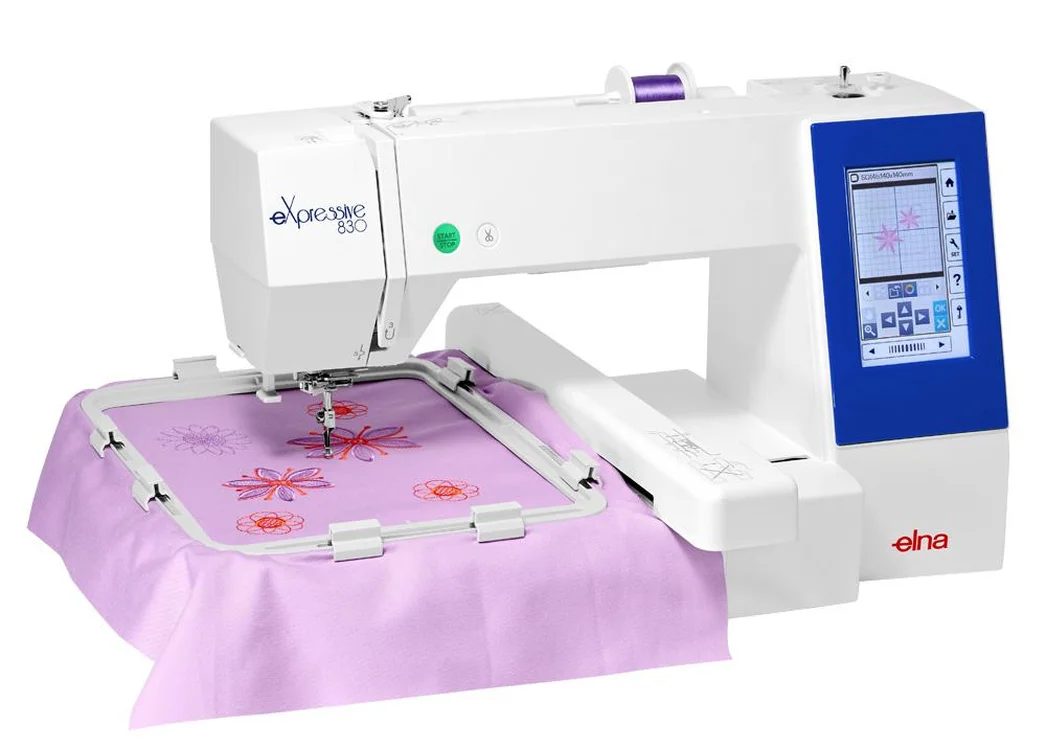
Why it's here Embroidery area, long side: 280 mm · manufacturer's source
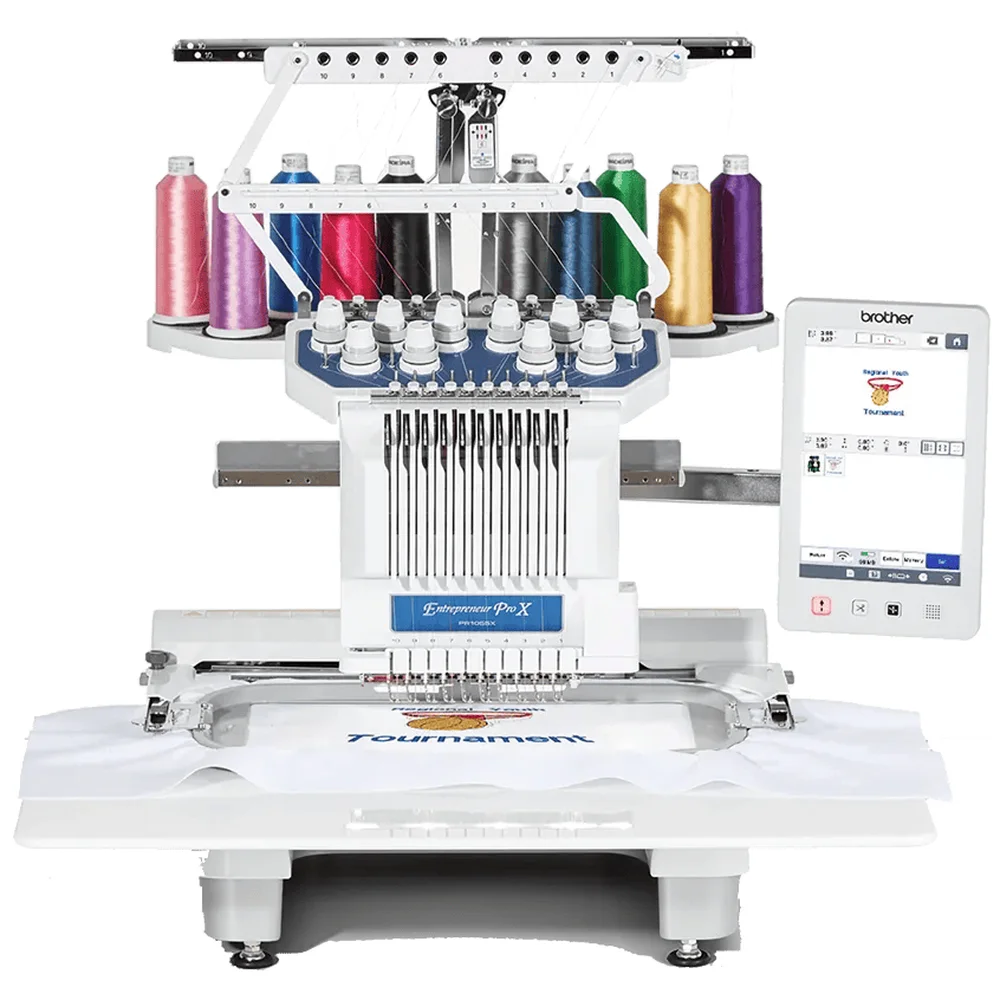
Why it's here Needle count: 10 · manufacturer's source